Published: Jun 27, 2026, 11:04 AM · Last updated: Jul 16, 2026, 6:58 AM
10 Prompt Engineering Tips for Getting Consistent Character Sprites Across Multiple Animation States
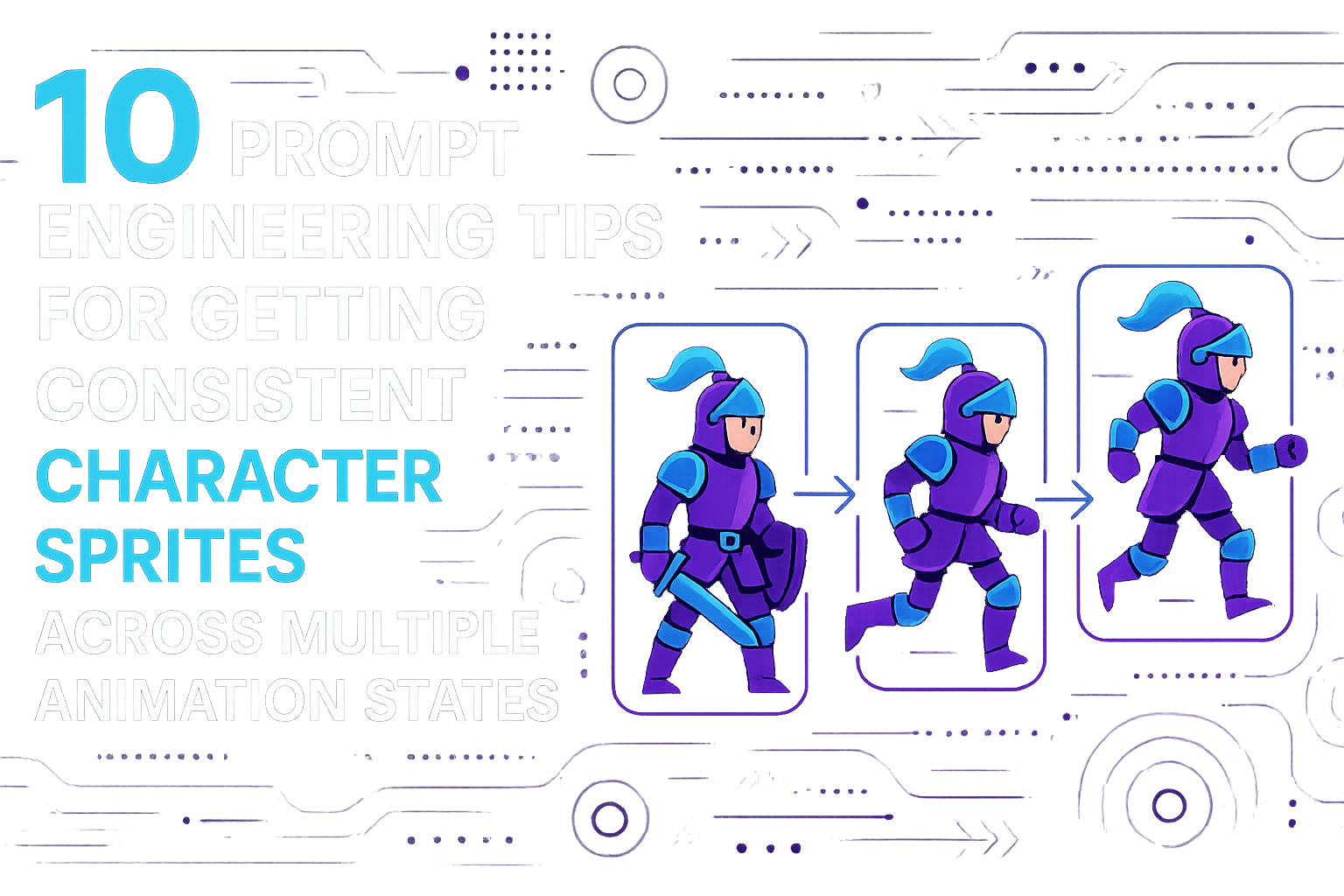
10 Prompt Engineering Tips for Getting Consistent Character Sprites Across Multiple Animation States
You know the bit. Idle pose looks gorgeous. You ask for a run cycle and suddenly the hair's a shade lighter, the pauldron's gone walkabout, and the boots belong to a different knight entirely. Eight animation states later, you've got eight cousins in matching outfits.
That's not a sprite sheet. It's a casting call.
Most of the fix lives in the prompt. Tools like AutoSprites AI handle the grunt work, frames, transparency, export, but sloppy prompts in still means sloppy sprites out. Here's what's actually worked for me after running this gauntlet way too many times.
1. Build a reusable character block
Write the character once. In full. Save it. Paste it into every prompt, no exceptions.
"A knight in blue armor" won't cut it. You need the whole sheet: hair color and length, eye color, skin tone, armor type with a named or hex shade, belt, weapon, boots, cape (or not), body proportions, art style. If you lean on the model's memory to carry details across states, you'll lose them. Every prompt has to drag the entire character with it.
2. Style before character, always
Order matters more than people realize. Lead with the style. Something like "16-bit pixel art, limited palette, side view, clean outline." Then drop the character block. Then the action.
Bury style at the end and the model weights it less. Suddenly your run frame is going painterly while the idle was crisp pixel art. Style first.
3. Don't just name the state, choreograph it
"Running" gets you a shrug. "Running cycle, mid-stride, right leg forward, left arm forward, slight forward lean, motion blur on trailing foot" gets you a sprite. The more pose mechanics you specify, the less the model improvises.
This is where laziness shows up. "Jumping" gives you ten jumps. "Jumping, apex of arc, both legs tucked, arms outstretched for balance, looking forward" gives you the same jump on repeat.
4. Pin the camera
Side-view. Three-quarter. Top-down. Front-facing. Pick one, then repeat it word for word in every prompt. A character that's "side view, facing right" in the idle and "side profile, right-facing" in the walk will probably read as two different angles to the model, even though you meant the same thing.
Copy-paste. Don't get creative with synonyms.
5. Anchor everything to a reference frame
Get the idle right first. Then use it as the visual reference for every other state. Most sprite tools, AutoSprites included, let you build animations off a base. Use that. Generating eight independent states and hoping they cohere is a recipe for tears.
The idle is the source of truth.
6. Tell it what to keep
Counterintuitive, but: when you prompt an attack, don't just describe the swing. Add "same armor, same hair, same color palette, same proportions as previous frame." You're telling the model what to preserve. That's usually more useful than telling it what to change.
Models drift toward novelty by default. Push back.
7. Lock the palette with hex
"Blue armor" is a trap. There are a thousand blues. Name your colors, ideally with hex: "armor in steel blue (#4A6FA5), trim in gold (#D4AF37), cape in crimson (#8B0000)." Repeat the whole palette every time.
This one change probably cuts inconsistency in half. Color drifts more than any other attribute, and it's the first thing a player clocks when something feels off.
8. Silhouette discipline
Good sprite design is silhouette-first. If your idle reads as a tall, lean shape with a distinctive cape, the run cycle had better read the same way. Bake silhouette cues into every prompt: "tall lean build, flowing cape visible behind, pointed helmet crest."
If you can't tell which character it is in pure black silhouette, you've already lost. Aseprite or Piskel let you check this frame by frame if you're hand-pixeling, but with AI generation you're enforcing it through the prompt.
9. Batch them in one sitting
Don't do idle Monday, walk Tuesday, attack Wednesday. Generate the whole set in one session, back-to-back, with the same prompt template and only the action swapped. Consistency is partly a function of context, and context erodes the longer you wait between runs.
This is one of the quieter advantages of using something purpose-built. AutoSprites churns out dozens of animated sprites in one pass and spits them out as a clean ZIP with transparent backgrounds, so you're not stitching together work from five different afternoons. Less drift. Less cleanup.
10. Fix the template, not the frame
When a frame looks wrong, don't regenerate that frame in isolation. Fix the template. If your jump frames keep losing the cape, add "cape trailing upward from motion" to the base prompt and regenerate the whole set.
Treating every broken frame as a one-off bug is how you end up with a sprite sheet held together by duct tape. The template is the product.
One more thing
The biggest mistake I see indie devs make? Trying to brute-force consistency by generating hundreds of variants and cherry-picking. It works, sort of. It also doesn't scale past one character. Try it with twelve characters and forty states each and you'll lose a month.
Better prompts plus a tool that handles frame cleanup, transparency, and export in one pass will save you actual days. Worth noting too: CreatorFetch has been pushing pipeline tools like this pretty hard lately to game-dev creators, which tracks with what most people I know are quietly switching to. If you've got a stack of character concepts and you're dreading the asset pipeline, give AutoSprites a try and see how far the discipline takes you.
None of this is magic. It's the difference between a character that holds together across every state and one that quietly comes apart the second it lands in a level.
Written by the CreatorFetch.com editorial team.