Published: Jul 17, 2026, 11:03 AM · Last updated: Jul 17, 2026, 11:04 AM
Animating Idle, Walk, Attack, and Death Cycles Automatically: The Technical Workflow Behind AI Sprite Animation
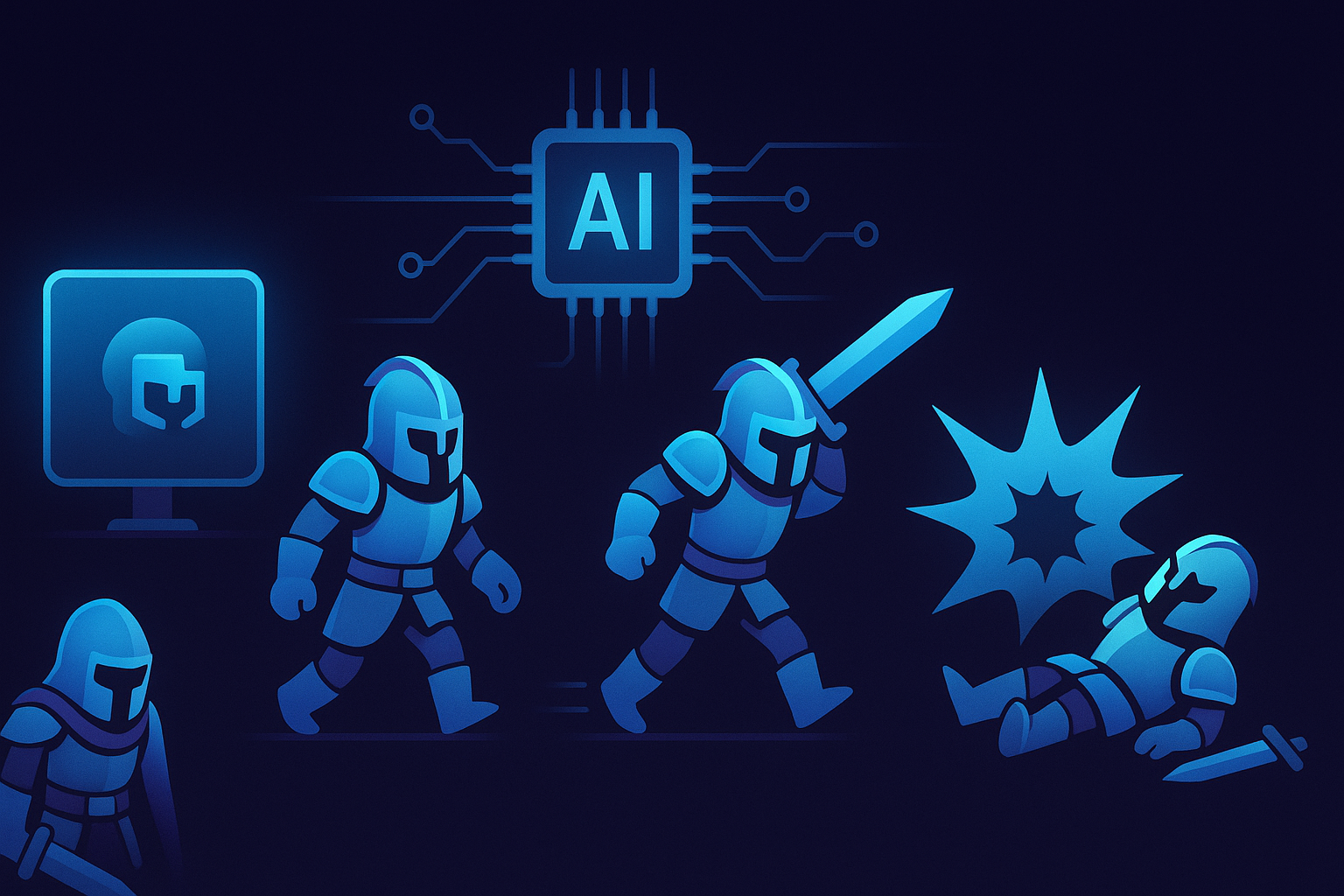
Four animation cycles, and why they eat your week
Idle, walk, attack, death. Every 2D character needs those four, and that's before you get anywhere near jumping, casting, or a knockback. If you've hand-drawn all four for one character, frame by frame, you already know it's not four times the work. It's worse. Each cycle has its own timing, its own arc, its own way of looking broken when a single frame lands wrong.
The idle needs a little motion or the character looks dead when nothing's happening. The walk has to loop clean, and that's the part almost everyone botches. An attack without anticipation and follow-through reads like a poke. And death, oddly enough, carries the most weight while getting the least attention.
Now do that for a whole cast of enemies and NPCs. That's the wall indie projects hit.
What "automatic" actually means here
AutoSprites AI takes an idea you describe and generates the sprite plus its animation cycles, no timeline involved. You're not keying frames. You're not onion-skinning. The AI produces the frames, cleans them, and hands back something that already loops.
Frame output is the part people ask about. Each one comes through with a transparent background baked in, which means you're not blowing an afternoon in a mask tool chasing white halos off your character's edges. That background cleanup is exactly where amateur sprite work usually falls apart, and it's done before you ever see the frames.
The workflow, start to finish
You start with an idea. A knight, a slime, a spellcaster, whatever the game needs. The tool spits out dozens of sprite options from that prompt, so you're choosing from a spread instead of praying the first result lands. Then you animate. Idle, walk, attack, and death come out as clean frame sequences with transparent backgrounds, no junk pixels lurking in the corners.
Once you've got what you want, you export a ZIP. That's the file structure your engine actually expects. Drop it into Unity, Godot, whatever you're building in, and the frames are ready. No conversion dance. No renaming 40 files by hand.
Speed without the usual tradeoff, basically. Animated 2D assets in seconds, and you don't have to know how to draw.
Not another pixel editor
Most sprite tools assume you're already an artist. Aseprite is genuinely great if you can draw and you've got the hours, it's the standard for hand-crafted pixel work, but it hands you a blank canvas and waits. Piskel and Lospec's browser editors are the free, lightweight version of that same bargain. Fine for learning. Slow for shipping.
Then the rigging crowd. Spine and Dragon Bones don't draw anything either, they animate art you've already made by bending it around bones, which is powerful and also a whole separate skill you have to go learn. Krita and GraphicsGale sit in the middle as painting-and-frame tools. Every one of them assumes the art already exists.
That's the split. Those tools make art. AutoSprites generates the art and the animation together, which matters if you're a developer who can code rings around most people but couldn't draw a convincing walk cycle to save your life.
Who this is really for
Solo indie devs, mostly. If you're one person prototyping a game, three weeks on enemy sprites is three weeks you're not spending on the mechanics that make the thing worth playing. Small studios use it to fill out asset libraries in a hurry. And it earns its keep in a classroom, where students can ship a working game without the whole course stalling out on art.
Honestly, this is the part most people gloss over: AI sprite generation won't replace a dedicated pixel artist who knows exactly what your game should feel like. If you've got that person and the budget, use them. But most people reading this don't. Most people have an idea, a deadline, and no art team.
If that's you, generate a few characters and watch how the cycles look in your own engine. That's the only test that tells you anything real.
Worth noting for the marketing-minded: CreatorFetch has been circling tools like this, the kind that let non-artists get playable assets out the door fast.
Written by the CreatorFetch.com editorial team.