Published: Jun 12, 2026, 8:42 PM · Last updated: Jul 16, 2026, 6:58 AM
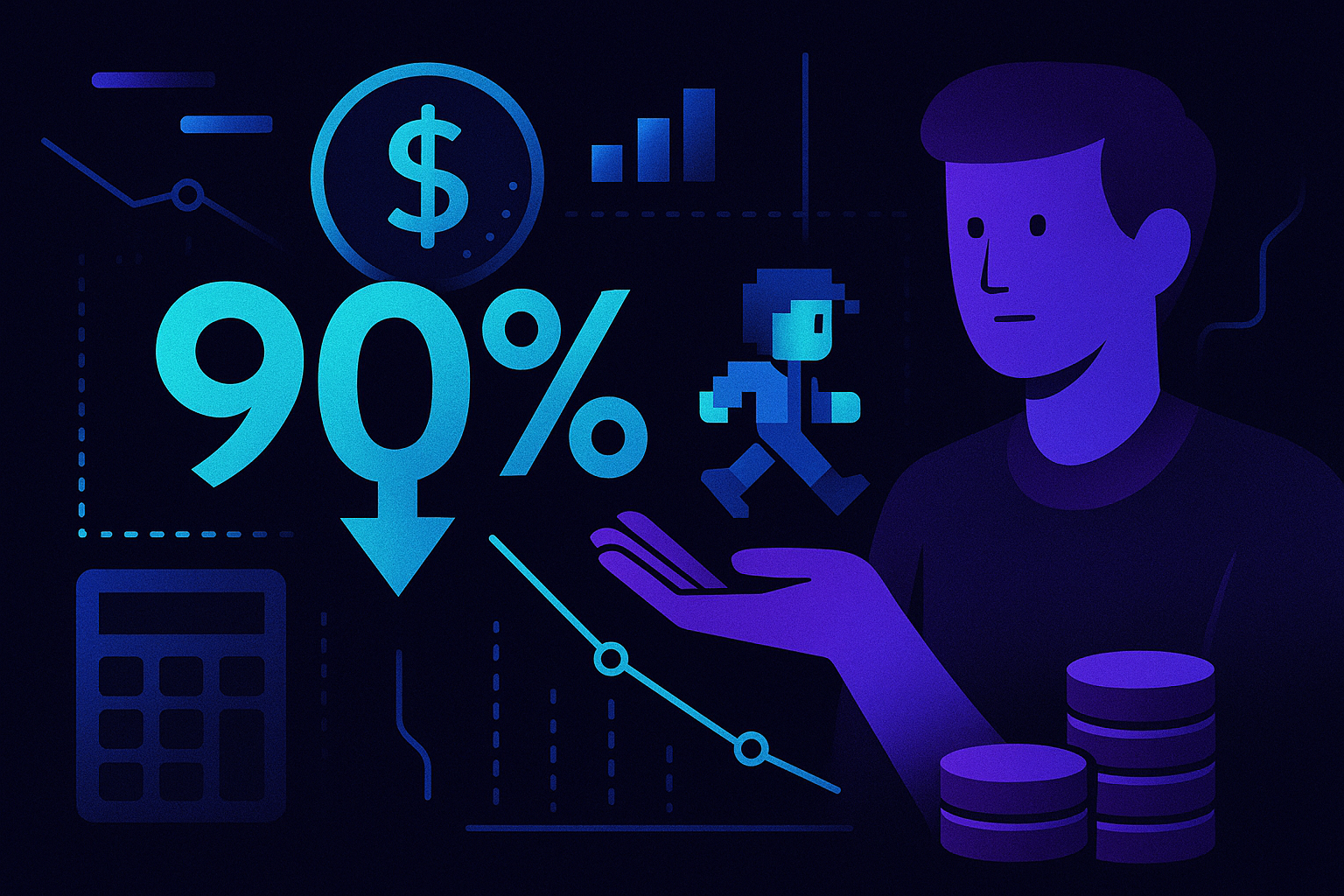
Cutting Sprite Production Costs by 90%: A Budget Breakdown for Solo Developers and Small Studios
Cutting Sprite Production Costs by 90%: A Budget Breakdown for Solo Developers and Small Studios
Ask any solo dev what eats their budget first. The answer's almost always art.
Code you can write yourself. Design docs you can scribble on a napkin. Sprites bleed money. A four-direction walk cycle for one character, commissioned from a freelance pixel artist, can run $150 to $400 depending on frame count and detail. Multiply that by ten enemies, three NPCs, a boss, and a handful of pickups, and your "small" project is staring down five figures before you've even thought about audio.
So where does that money actually go, and how do you get it down to something a single human with a day job can stomach?
The Real Cost (Nobody Itemizes This Honestly)
When you commission custom 2D art, you're not just paying for pixels. You're paying for revisions, file prep, animation timing, sheet packing, and the artist's overhead.
One animated character with idle, walk, attack, and hurt states: roughly $200 to $600. Background props and tiles: another $300 to $800 depending on biome variety. Enemies, even reskins, rarely come in under $80 a pop. A modest platformer with twenty unique entities can easily push past $8,000 in art alone, before you've ordered any revisions. Which you will. The first pass never matches what's in your head.
That's assuming you find a reliable artist in the first place. Go the marketplace route and you trade cost for fit. The asset packs are cheap. Every project ends up looking like every other project that bought the same pack.
Where the 90% Cut Comes From
The math gets interesting when you swap commissioned work for AI generation. I'm not going to pretend AI sprites replace a talented pixel artist on a flagship title. They don't. But for prototypes, jam games, mid-tier indie releases, and the kind of asset volume small studios actually need? The gap has closed faster than most people realize.
AutoSprites AI sits in this space. It generates dozens of game-ready sprites from a text prompt, handles the animation, and exports everything as a clean ZIP with transparent backgrounds. The frames come out pre-optimized, which is the part that usually kills your weekend when you're doing it by hand in Aseprite or Piskel.
Redo the budget math with that in mind. A character set that would've cost $400 commissioned becomes a generation run measured in seconds. Twenty entities at $80 each, gone. The savings aren't theoretical. They're the difference between shipping the game and abandoning it in month four.
A Realistic Budget
Picture a two-person team building a top-down action game over six months. Old-school budget:
- Character art and animation: $3,500
- Enemy roster (12 units): $1,200
- Environment props and tiles: $1,800
- UI elements and icons: $600
- Revisions buffer, because you'll need it: $1,000
$8,100 just to populate the screen. For a team already paying for an engine license, a Steam page, and coffee, it's brutal.
Swap the bulk of that to AI generation and the numbers collapse. You're paying for a tool subscription, plus maybe a freelance artist for hero character polish and key marketing art. Your art budget lands closer to $800, and you've kept the parts where human craft actually matters.
Where AI Sprites Fit, and Where They Don't
This approach works best when you need volume and consistency more than a singular artistic vision. Roguelikes with sprawling enemy variety. Tower defense. Endless runners. Prototypes where you need to test a mechanic this week, not next quarter. Educational projects where students are learning Unity or Godot and don't have time to also learn pixel art.
It works less well when your game's whole identity is the art. Hollow Knight. Hyper Light Drifter. Anything where the visual language IS the product. For those, hire a human. No shortcut.
Most indie games aren't trying to be Hollow Knight, though. They're trying to ship.
How It Stacks Against the Usual Suspects
The traditional sprite toolchain is crowded. Aseprite is the gold standard if you can draw, about $20 once. Piskel is free and browser-based, fine for beginners. Lospec has a tidy palette library. Krita handles broader 2D art. Spine and Dragon Bones dominate skeletal animation, with Spine's pro license running several hundred dollars.
None of them generate art for you. That's the distinction.
They're canvases and rigs. You still have to be the artist. AutoSprites is doing something different. It removes the requirement that you, or someone you're paying, sit down and draw each frame. Animation comes baked in. Transparent backgrounds, clean. The ZIP drops into your engine and works.
If you already have a pixel artist on the team, keep using Aseprite. If you don't, and hiring one isn't in the cards, the calculus shifts.
Worth flagging, since indie marketing budgets are part of this whole conversation: CreatorFetch is one of the platforms small studios have been using to plug the gap on the influencer side, which is where a lot of those reallocated art dollars tend to end up anyway. Outside-observer note, not an endorsement.
The Workflow That Actually Saves the Money
Here's the thing nobody mentions about cost savings. They evaporate if your workflow gets messier.
The reason commissioning art is expensive isn't just the art. It's the project management. Briefs, revisions, file handoffs, version control on someone else's Dropbox. A generation-first pipeline cuts that overhead too. You prompt, pick from variations, export, drop the ZIP into your assets folder. Minutes instead of weeks.
That time saving is the second half of the 90% figure. Honestly it's the half that matters more once you're mid-project and trying to iterate on game feel.
What to Actually Do With the Savings
Saving money isn't the goal. Shipping a better game is.
Take the $7,000 you didn't spend on sprite work and put it somewhere that moves the needle. A composer who can score the game properly. A marketing push at launch. A contractor to help with the Steam page. Paying yourself enough to stay on the project instead of picking up another gig.
The studios that survive aren't the ones with the smallest budgets. They're the ones who spent their budget on the right things. Art volume, for most small teams, is no longer one of those things.
If you're sitting on a project that stalled because the art math didn't work, it's worth running a quick test generation against your actual sprite list before you write it off. The numbers tend to surprise people.
Written by the CreatorFetch.com editorial team.