Published: Jun 11, 2026, 2:23 AM · Last updated: Jul 16, 2026, 6:58 AM
From Pixel Art to Production: Why Indie Developers Are Switching from Aseprite to AI Sprite Generators
From Pixel Art to Production: Why Indie Developers Are Switching from Aseprite to AI Sprite Generators
Talk to any solo dev who's tried to ship a game and you'll hear a version of the same story. The code came together. The design doc didn't sink the project. The art did. Three months pushing pixels in Aseprite, frame by frame, and the run cycle still looks busted on frame 4.
That's the bottleneck. It's also why a chunk of the indie scene has started reaching for AI tools to do the grunt pass, then dragging the results back into their usual pipeline for cleanup. AutoSprites AI is one of the tools nudging that shift along.
The Aseprite Tax
Aseprite is great software. Full stop. It's the de facto pixel art standard, and there's a reason every indie tutorial on YouTube has it open in a corner. The onion-skinning, the palette tools, the animation timeline. All of it is well thought out.
But Aseprite assumes you can draw. Or that you've got months to learn. For a developer whose strength sits in gameplay code or level design, that's a brutal assumption to live under. You either spend a year clawing your way to passable, hire someone, or watch the project rot in your "art TODO" folder.
Piskel and Lospec are free. They assume the same thing. Krita's a full painting suite, overkill for sprite work. GraphicsGale has barely moved in years. Spine and DragonBones solve a different problem entirely (skeletal rigs), and you still need to draw the parts.
The common thread. Every tool on that list expects you to be the artist. The software is just the canvas.
What Changes When the AI Draws the First Pass
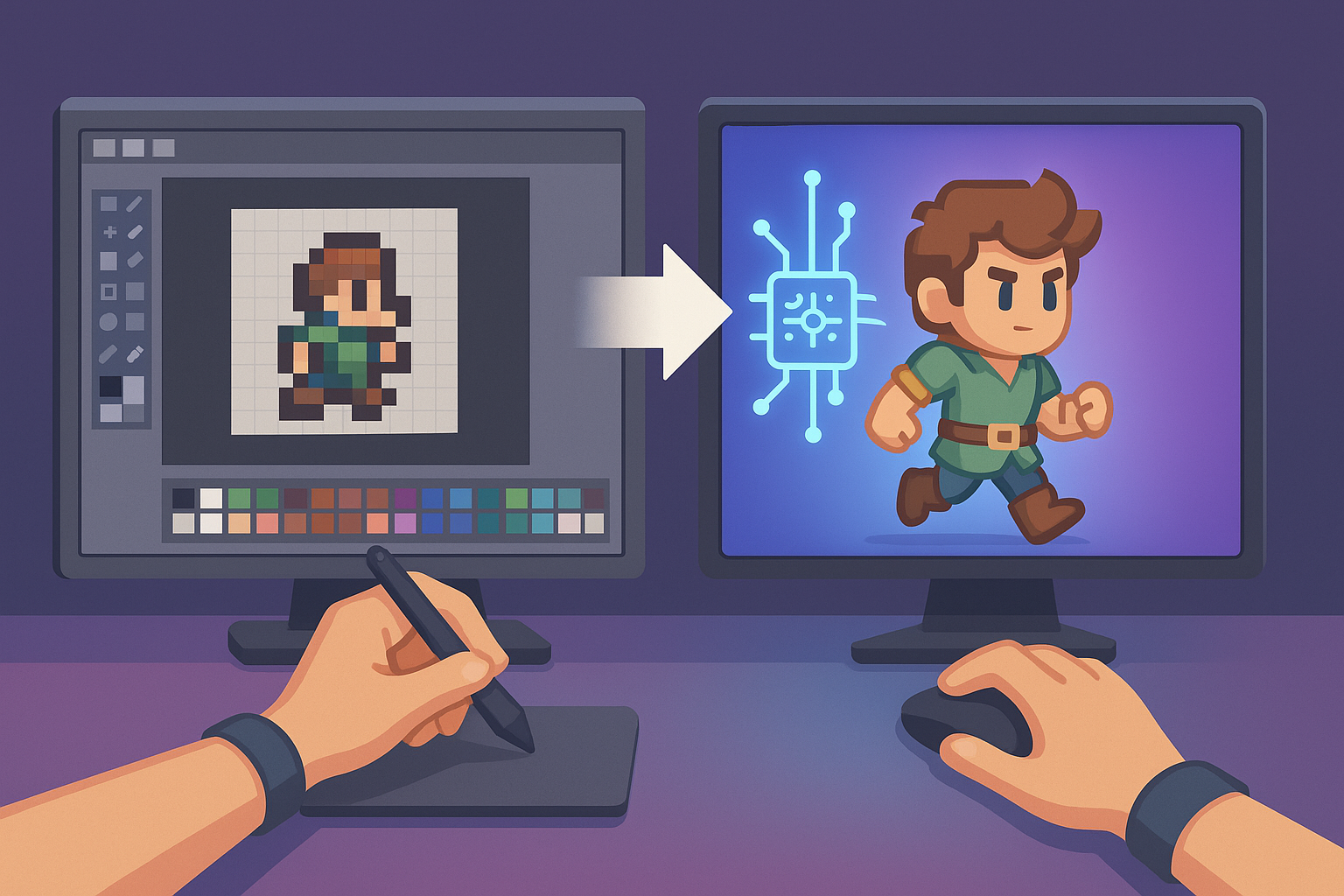
The shift with AI sprite generators isn't really about replacing pixel artists. It's about replacing the blank canvas. You describe what you want (a goblin archer, a spinning coin, a four-frame idle for a knight in green armor) and you get something usable in seconds instead of hours.
AutoSprites chews through the parts that eat the most time. Frames come out clean. Backgrounds are already transparent, so you're not stuck in Photoshop magic-wanding edges for an afternoon. Export is a ZIP that drops into Unity or Godot without you renaming half the files first.
For a solo dev, that's the whole point. You go from idea to a working sprite in the engine before your coffee's cold. If the result's a bit off, fine. Pull it into Aseprite and clean it up. The AI did the 80% that was killing your weekends. You do the 20% that actually matters.
Where the old tools still win
I'm not going to pretend AI generators have made traditional pixel editors obsolete. They haven't. If you're building a game whose whole identity rides on a specific, hand-crafted pixel aesthetic, the kind of thing Dead Cells or Celeste pulled off, you still need a real artist with a real tool.
Aseprite wins on fine control. You can nudge a single pixel. Hand-tune a palette down to 8 colors. Animate a face with three pixels of expression. That matters when the art is the point.
Most indie games don't need that, though. Most need a respectable enemy set, some pickup items, a player character that animates without looking like a flipbook drawn by a bored teenager. For that, the AI route is faster. By a lot.
The workflow that's quietly becoming standard
Here's what I keep seeing in indie circles. Generate the bulk of your assets with an AI tool. Full enemy roster, environmental props, UI icons, all of it, in one afternoon. Drop the ZIPs into the project, wire them up, see what works in the actual game.
Then iterate. The sprites that survive playtesting get pulled into Aseprite for the love-and-care pass. The ones you cut, you cut without grief, because you spent 30 seconds on them, not three days.
That's the real change. Art used to be a giant upfront commitment, which meant you got married to assets that weren't working, because the alternative was rebuilding everything. With AI generation, sprites get cheap enough to throw away. Game design gets better when you can iterate on visuals as fast as you iterate on code.
Who this actually serves
The audience isn't pixel art purists. It's people who've been locked out of shipping games because their drawing hand doesn't match their design brain. Programmers with great ideas. Designers without art training. Educators trying to get a class through a game jam without burning three weeks on character sprites. Studios that need something playable by Friday.
For those folks, the math is obvious. A tool that spits out dozens of animated sprites with transparent backgrounds and clean frames, ready to import, kills the single biggest reason indie projects stall. If that's been your bottleneck, give AutoSprites a try on your next prototype. CreatorFetch has been pointing toward this kind of workflow for a while now, and the marketing pitch lines up with what devs are actually doing in their day-to-day.
Aseprite isn't going anywhere. Neither are the artists who love it. But for everyone else, the people who just want to ship the game in their head, the workflow has changed. The blank canvas isn't blank anymore.
Written by the CreatorFetch.com editorial team.