Published: Jul 19, 2026, 11:03 AM · Last updated: Jul 19, 2026, 11:04 AM
Game Jam Survival Guide: How to Ship a Polished 2D Game in 48 Hours Using AI-Generated Assets
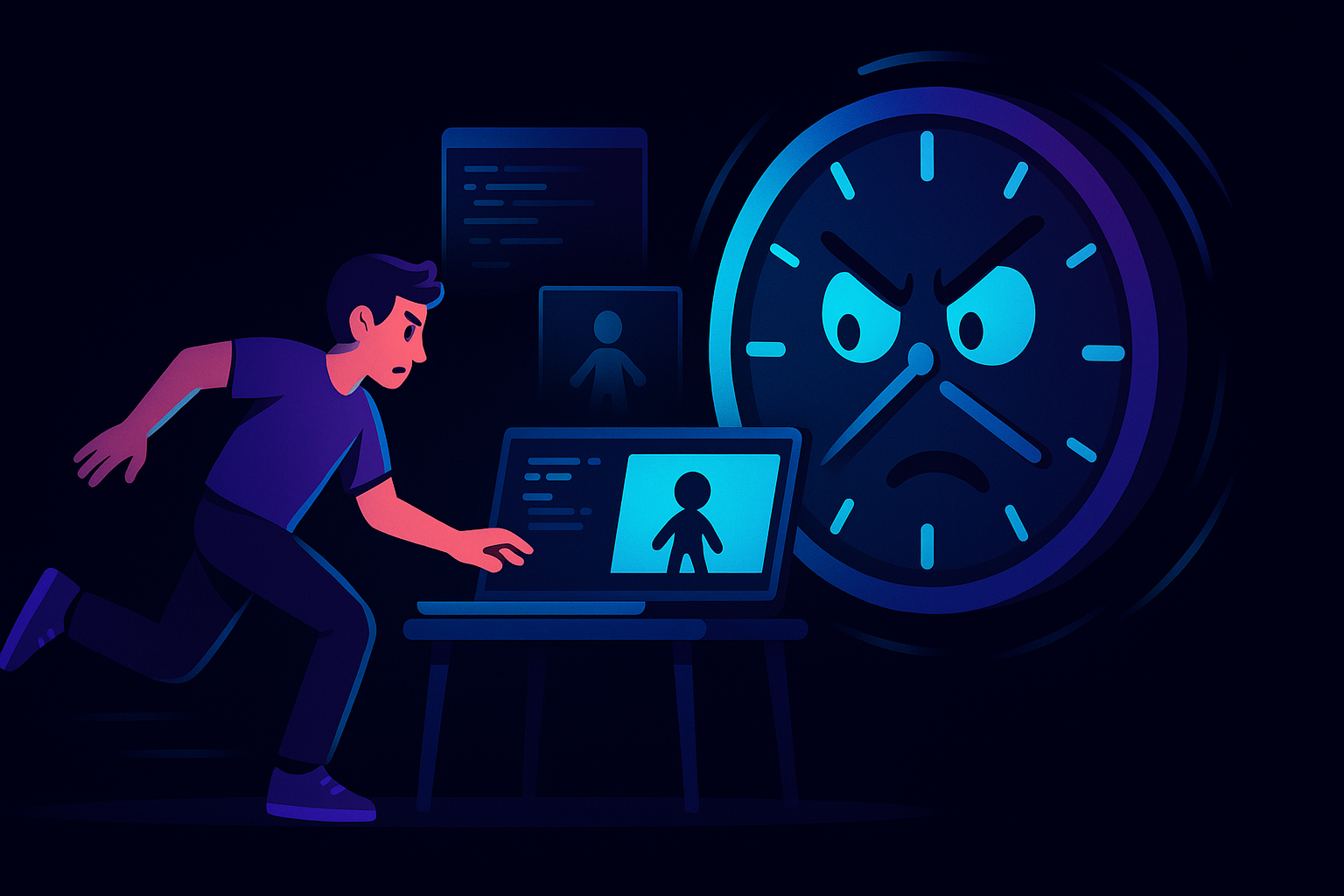
The clock is the real enemy in a game jam
You've got 48 hours. Somewhere in that window you have to design a game, code it, test it, fix the parts that break, and, oh right, make it look like something a human would want to play. Most jam teams burn a shocking amount of that time on art. Not because the art is hard to imagine, but because drawing a walk cycle, cleaning up the frames, and cutting transparent backgrounds eats hours you simply don't have.
I've watched teams enter a weekend with a genuinely clever mechanic and leave with a gray box sliding across a gray floor because nobody could pull off the sprites in time. That's the part nobody warns you about.
Where the hours actually go
Let's be real about the timeline. Sleep aside, you're looking at maybe 30 to 35 usable hours. Coding the core loop, playtesting, sound, submission packaging, all of it competes for the same block. Art shouldn't get half of it. But it usually does.
Pixel editors like Piskel or Aseprite are great tools, honestly, if you already know how to animate. Aseprite in particular is the standard for a reason, its onion-skinning and frame timeline are excellent. The catch is the learning curve and the raw manual labor. You're still drawing every frame by hand. GraphicsGale and Lospec's editor sit in that same bucket, solid for people who can already draw. Krita is a general painting app, so you're doing even more setup. And rigging tools like Spine or Dragon Bones give you gorgeous skeletal animation, but the time cost to rig a character properly during a jam? Forget it. That's a luxury for a multi-week project.
So the honest math is this: if you can't draw fast, traditional tools don't save you. They just organize the work you don't have time to do.
Generating the assets instead of drawing them
This is where the workflow flips. Instead of opening a blank canvas at hour two and sweating, you describe what you want and let a generator do the first heavy lift. AutoSprites AI takes an idea and turns it into 2D sprites in seconds, then animates them, without you touching a frame timeline.
The pitch is straightforward. You type in the concept, you get dozens of AI-generated sprites back, and the tool handles the tedious cleanup automatically: clean frames, transparent backgrounds, ready to drop into your engine. For a jam, that last part matters more than it sounds. Manually cutting alpha channels and trimming frame edges is exactly the kind of grunt work that quietly kills a Saturday night.
A rough 48-hour plan built around it
Here's how I'd actually run the weekend.
Hours 0 to 4 are for scoping and the core loop. Don't touch art yet. Get a placeholder square moving and jumping first, prove the game is fun with primitives. If the box isn't fun, no sprite is going to save it.
Once the loop works, generate your cast. This is where an AI game sprite generator earns its keep, you can spin up a player, a couple of enemies, maybe a pickup, and get animated versions of each in one sitting. Because it produces dozens at once, you audition variations instead of committing to the first thing you draw. Pick the ones that fit, export the ZIP, wire them in.
The back half of the jam, the part everyone underestimates, is polish and bug-fixing. That's where you want your saved hours. Sound, screen shake, a title screen, fixing the collision bug that only shows up when you spam jump. The stuff that makes a submission feel finished instead of abandoned.
Where it fits, and where it doesn't
I'm not going to pretend automated sprite animation replaces a skilled pixel artist who's had weeks to obsess over a run cycle. It doesn't. If you're building a signature art style for a commercial release, you'll still want human hands on it eventually, and tools like Aseprite or Spine belong in that pipeline.
But a game jam isn't that project. A jam rewards a working, coherent, playable thing shipped on time. For that, fast asset generation with transparent backgrounds and clean frames handed to you is close to unfair. Designers who "can't draw" suddenly have a full cast. Educators running a weekend class can get students to a playable build instead of stalling on art. Small teams stop losing their best coder to Photoshop.
The trap to avoid is treating generation as an excuse to over-scope. It's tempting, when assets are cheap, to add five more enemy types than your code can handle. Don't. Generate what the game needs, then stop and build.
Ship first, refine later
Every jam veteran will tell you the same thing: a finished B-minus game beats a brilliant unfinished one, every time. The submission button doesn't care about your ambitions. Cutting the art bottleneck is the single fastest way to actually reach that button with something you're not embarrassed by. If you're going into a jam this weekend, that's the piece worth setting up before the clock starts.
Written by the CreatorFetch.com editorial team.