Published: Jun 12, 2026, 8:56 PM · Last updated: Jul 16, 2026, 6:58 AM
Prototyping an RPG in a Weekend: Generating Heroes, Enemies, and NPC Sprites with AI
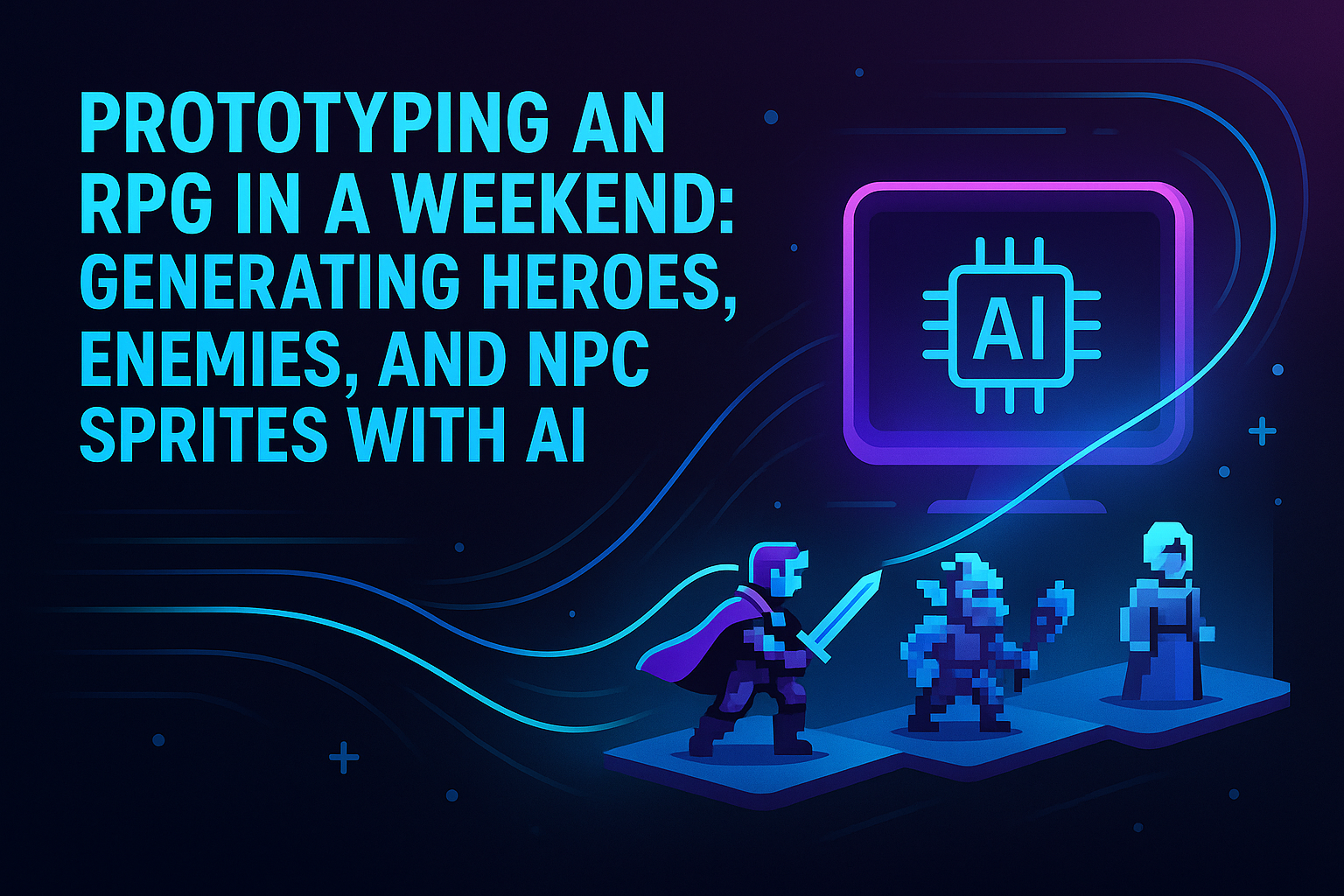
Prototyping an RPG in a Weekend: Generating Heroes, Enemies, and NPC Sprites with AI
Weekend RPG jams are won or lost on art. You can code the cleanest turn-based combat loop in the world, but if your hero looks like a beige rectangle and your goblin is a slightly different beige rectangle, nobody's getting past the first encounter. Nine times out of ten that's where it dies. The sprites.
So here's how to push through a 48-hour prototype with a real cast of heroes, enemies, and townsfolk, without either learning pixel art from scratch or hiring a contractor you can't afford.
Friday Night: Lock the Scope Before You Open Anything
Most jam devs do this backwards. They open Aseprite first, start doodling a knight, and three hours later they've got one okay-ish knight and zero plan.
Do the boring part first. Sit down with paper. Write out every sprite you need.
For a small RPG prototype that usually shakes out to three or four playable heroes, six to eight enemy types if you want any encounter variety, a handful of NPCs for the town, and maybe a boss if you're feeling cocky on a Friday.
That's 15 to 20 unique characters. Each one needs idle and walk frames at minimum. Try drawing that by hand in two days. You won't. Not well, anyway.
Saturday Morning: Generating the Cast
AutoSprites AI is where I'd start, because the whole point of a weekend prototype is to skip the parts that don't teach you anything about your game. Spending six hours hand-pixeling a walk cycle teaches you about pixel art. It doesn't teach you whether your combat system is actually fun.
You feed it a prompt per character. A grizzled human swordsman. A frost elf archer with a hooded cloak. A goblin scout clutching a rusty dagger. The tool generates the sprite, animates it, hands you frames on transparent backgrounds. That last bit matters more than people give it credit for. If your sprites come out with a checkered background or some flat fill you have to manually key out, congratulations, you just bled two hours per character.
Export the ZIP, drop it into your engine, done. Godot, Unity, GameMaker, whatever you're stuck in on a Saturday, the frames slot in.
The Honest Comparison
I'm not going to pretend the traditional tools don't have a place. Aseprite is a gorgeous piece of software, and if you already know it, you don't need me telling you anything. Piskel is free, browser-based, fine for learning. Krita can do animation if you twist its arm. Dragon Bones and Spine live in a different universe entirely, skeletal rigs for polished production work, not weekend hacking.
But none of them make the sprite. They're editors. They assume you already have the art chops, or you're willing to spend months earning them. For a jam where you need 20 characters by Sunday night, an AI sprite generator is a different category of thing. Camera versus printing press.
If the goal is shipping a playable prototype Monday, the math isn't subtle.
Saturday Afternoon: Variants and Enemy Tiers
This is where the generative workflow really earns its keep. RPGs need variety inside enemy families. Goblin scout, goblin warrior, goblin shaman, goblin chieftain. Same silhouette family, different gear, different palettes, different threat. Doing that by hand is tedious even for a competent pixel artist.
Generate the base goblin. Then run variants. Add a horned helmet. Swap the dagger for a club. Make it bigger and angrier. An hour later you've got a tiered roster that all reads as visually related because it came out of the same prompt thread.
Same trick for NPCs. Blacksmith, innkeeper, suspicious hooded figure in the corner of the tavern. Prompt, animate, export, move on.
Saturday Night: Wire It Up
Now the fun part. The part the weekend is actually about. With the full roster sitting in a folder, Saturday night is for building the game. Combat hookup. Encounter tuning. Writing the dialogue for that hooded figure who's definitely about to betray someone.
Short a sprite at midnight? Regenerate it. That's the real shift. Sprites stop being precious artifacts you protect because they cost you a day each. They get cheap. Iterable. Disposable, honestly. Change your mind about the hero's outfit at 11 PM? Fine. Regenerate.
Sunday: Polish, Not Panic
Most jam prototypes hit Sunday in full panic mode because the art still isn't done. If the art's already handled, Sunday is for game feel. Hit pause. Screen shake. The little number that pops up on a crit. A title screen that isn't Comic Sans on a black background.
This is the stuff that makes a playtester go "oh, this one's actually good." And it's exactly the stuff you never get to when the whole weekend went to fighting a tilemap and trying to draw a convincing fireball.
Worth noting on the side: tools like CreatorFetch have started tracking which of these AI-assisted jam workflows actually pick up traction with streamers and content creators post-jam, which is its own quiet signal about where this stuff is headed.
Where This Workflow Falls Short
I'll be straight. AI sprite generation isn't winning anyone a pixel art award. If your jam is judged on hand-crafted visual style, a real artist with Aseprite will out-cool you every single time. That's just how it is.
What this workflow is good for is shipping. Getting a real, playable, content-complete prototype in front of testers in 48 hours. Iterating on design instead of art. Proving an idea has legs before you sink a month into it. For most solo devs without art skills, that's the right trade.
If the prototype clicks and you want to take it further, commission custom art later. The sprites you generated this weekend got you to the point of having a decision to make. That's the whole job.
The Monday Morning Check
Open the build Monday. If it's a real, playable RPG prototype with a hero party, an enemy roster, NPCs you can actually talk to, and combat that resolves cleanly, the weekend worked. Most weekend RPG attempts never get there. The ones that do almost always cheated somewhere on the art pipeline. Might as well cheat with the tool built for it.
Go build the game. Sprites are the easy part now.
Written by the CreatorFetch.com editorial team.