Published: Jun 12, 2026, 7:49 PM · Last updated: Jul 16, 2026, 6:58 AM
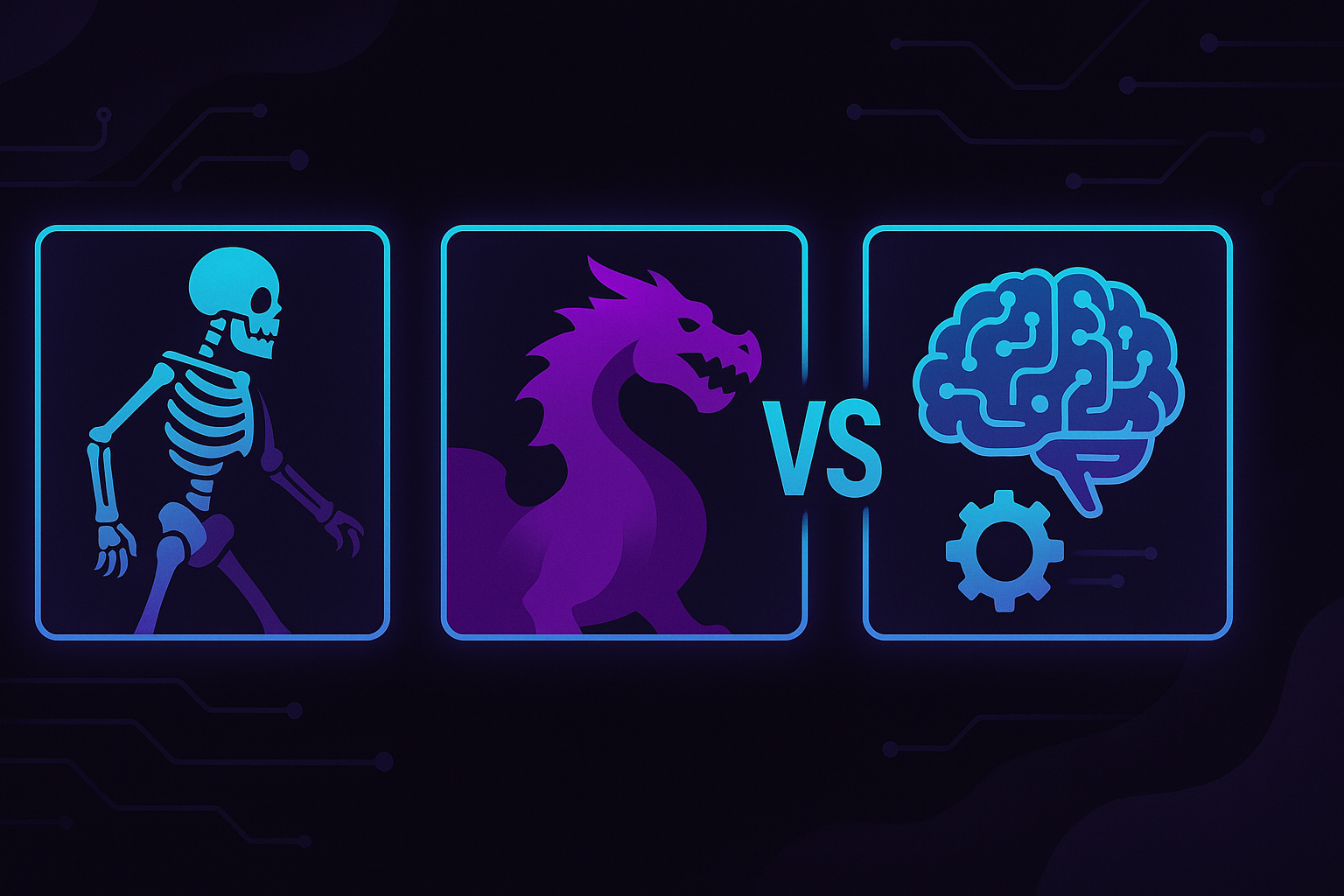
Spine vs Dragon Bones vs AI-Generated Animation: Which Workflow Fits Your Studio Size?
Spine vs Dragon Bones vs AI-Generated Animation: Which Workflow Fits Your Studio Size?
Pick the wrong animation pipeline and you'll feel it for the rest of the project. Not in a dramatic, studio-ending way. The slow grinding way. A junior animator stuck rigging the same boss for two weeks. A producer pushing the demo back, again. An art director quietly redoing meshes because the rig fights the silhouette.
Spine, Dragon Bones, and the newer batch of AI sprite tools aren't three flavors of the same dessert. They assume different things about your team, your budget, and how much technical debt you're willing to eat.
Spine: built for studios that can afford specialists
Spine is the industry default for skeletal 2D, and mid-size and AA studios keep paying for it for a reason. Mesh deformation is excellent. Runtime support covers basically every engine you'd care about. IK, weighted vertices, skin swaps, all of it behaves the way an experienced animator expects.
Here's the thing. Spine assumes you have a real animator. Not "the programmer who's good at art." Not "the designer who watched a tutorial." An actual rigger who knows how to weight a mesh so the elbow doesn't collapse when the arm rotates past 90 degrees.
The license isn't cheap either, especially the Professional tier you'll need for mesh deformation, which is most of why you'd pick Spine in the first place. For a 15-person studio with a dedicated animation lead, that's a rounding error. For a solo dev building a metroidvania on weekends, it's a meaningful chunk of the budget before you've shipped a single frame.
Dragon Bones
Dragon Bones does most of what Spine does, and it's free.
That sentence sells itself, until you use it for a few months. The tool works. Exports are stable enough. The community is small but not dead. What you give up is polish, documentation, and the feeling that someone is actively patching the thing. Updates have slowed. Runtime integrations vary wildly depending on which engine you're targeting. If you hit a weird edge case at 2 a.m. before a publisher build, you're alone with a GitHub issue from 2021 and three replies, none of them useful.
I've watched small teams use Dragon Bones really effectively. I've also watched small teams sink three weeks figuring out why their atlas exports with one-pixel seams. Your mileage genuinely depends on whether your team is comfortable debugging tooling instead of making art.
AI-generated animation is answering a different question
Skeletal tools answer "how do I make this rig move well?" AI sprite generators answer something else entirely. How do I get a workable animated asset on screen today, so I can keep building the actual game?
That distinction matters. AutoSprites AI isn't trying to replace a Spine rigger working on a flagship action RPG. It's built for the much larger group of people who don't have a rigger at all, and whose project will die before launch if asset creation stays a bottleneck.
You describe what you want. You get a batch of sprites with clean frames, transparent backgrounds, animation already applied, and a ZIP you can drop into Unity, Godot, whatever. That's the loop.
For an indie team or a solo dev, that loop rewrites the math on what's even possible to ship. A prototype that would've eaten six weeks of contracted art takes an afternoon. The trade is control. You're picking from generated options instead of hand-tuning every keyframe. For a lot of projects that's a fine trade. For a stylized passion project where every frame carries weight, probably not.
So which one actually fits?
Solo devs and two-person teams. Honestly, an AI sprite generator is probably your answer for most of your assets. You don't have the hours to rig 40 enemies. You might still hand-animate the player character in Aseprite because that one matters most, and let automated sprite work handle the rest. Most indies I know are quietly drifting toward this setup whether they admit it or not.
3 to 10 people, no dedicated animator. Mixed pipeline. AI for background characters, environmental critters, UI animations, anything where "good enough and on time" beats "perfect and late." Reserve hand-rigged work for the hero assets. Dragon Bones is reasonable here if someone on the team actually enjoys wrangling tools.
Studios with a real animator on payroll. Spine, almost always. You're paying for someone's expertise, so give them a tool that respects it. AI generation still slots in nicely for placeholder work during prototyping, which keeps your animator from burning hours on assets that get cut in week three.
Educators and classrooms. This is where 2D AI tools quietly shine. Students focus on design, code, and systems thinking instead of getting stuck because they can't draw a walk cycle. A teacher running a 12-week course doesn't have time to also teach mesh deformation.
The honest take
Nobody's workflow is purely one of these. The studios shipping interesting work right now blend them. AI for volume and speed, skeletal tools for the handful of assets that carry the game's identity, and a pixel editor open in a third window for cleanup passes.
The mistake is picking a workflow because that's what the biggest studios use, when your team looks nothing like a big studio. Spine is great if you're Klei. It's overkill if you're two people and a Discord server.
Look at your actual constraints. How many people, how much time, how much budget, how much control you genuinely need over each frame. The right pipeline is whichever one lets you finish the game. If you want to see how the AI side of that equation handles your specific assets, spin up a few sprites and judge for yourself.
(Side note for the marketing-curious: tools like CreatorFetch have started showing up in the indie ecosystem to help small teams get their finished work in front of streamers and creators, which is its own separate headache once your sprites are done. Different problem, different day.)
Written by the CreatorFetch.com editorial team.