Published: Jun 11, 2026, 11:06 AM · Last updated: Jul 16, 2026, 6:58 AM
Teaching Game Development Without an Art Department: A Curriculum Guide for Educators Using AI Sprite Tools
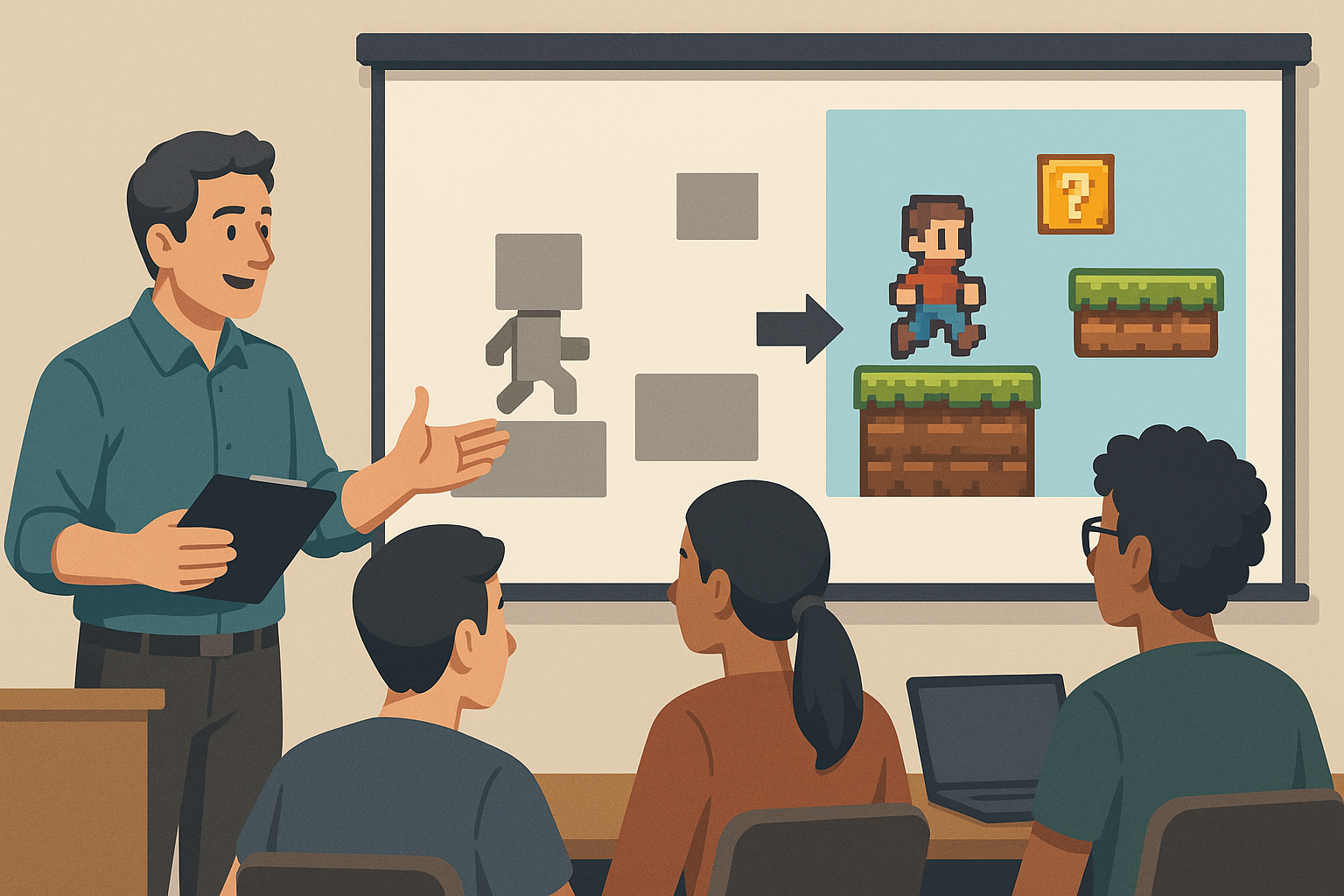
Teaching game dev without an art department
Every game dev instructor knows the moment. Week three, a student finally gets their character controller working, jumps a placeholder square across a placeholder platform, and asks the question that derails the rest of the semester: "How do I make it look like an actual game?"
And there it is. The art wall.
You've got eighteen students. Maybe one of them can draw. You're supposed to be teaching Unity or Godot or GameMaker, not running a sprite-animation bootcamp on the side. Most curricula either ignore the problem and ship the term with grey rectangles, or they burn two weeks on pixel art fundamentals and lose half the class to frustration. Neither is great.
There's a third option now, and it actually survives contact with a real classroom.
The real problem with art in a game dev class
Game development is four disciplines stitched together: programming, design, audio, art. In a one-semester intro course you've got maybe fourteen weeks. Give art its proportional slice and that's three and a half weeks on something most of your students will never do professionally. They'll license it, hire it out, or sit next to an artist on a team.
But skipping it isn't an option either. Games are visual. Motivation collapses when the project looks like a tax form.
So instructors compromise. Free asset packs from itch.io or the Unity Asset Store. Fine, until every student's platformer hero is the same blue knight and the showcase projects start blending together in a way that kills creativity and quietly wrecks academic integrity. Hard to tell who built what when everyone used identical assets.
This is where AI sprite generation stops being a novelty and becomes a curriculum decision.
What changes when students generate their own sprites
The tradeoff first, because I'm not going to pretend it isn't there. Students aren't learning to draw. They're not picking up anatomy, color theory, or animation principles in any deep sense. If your course is a game art course, AI tools are the wrong fit. Use Aseprite. Use Krita. Teach the craft.
If your course is about design, systems, mechanics, or programming, the math is different. Students can describe a character, "a small robot scavenger with one glowing eye, walking, idle, jumping," and have animated, transparent-background sprites in their project folder before the period ends.
AutoSprites AI is the tool I've been pointing educators toward when they ask how to make this practical in a classroom. It spits out animated 2D sprites with clean frames and transparent backgrounds, then exports a ZIP that drops straight into Unity or Godot. No background removal step. No frame cleanup. No fighting with a sprite sheet that has one stray pixel ruining the loop.
That last part matters more than it sounds. The number of class periods I've watched evaporate because a student couldn't figure out why their sprite had a white halo is genuinely sad.
A 14-week structure that fits
Here's a shape that's worked in practice. Adapt it to whichever engine you teach.
Weeks 1-2. Engine fundamentals and the game loop. Grey boxes are fine. Resist bringing in art. Students need to be comfortable with the engine before visuals start fighting for their attention.
Week 3. Asset pipeline basics. This is where you introduce sprite generation. Spend one period on what a sprite sheet is, why transparency matters, what frame rate does to perceived motion, how the engine imports 2D assets. Then have students generate their first character. Give them a hard constraint: one character, four animations (idle, walk, jump, attack). The constraint is the whole game. Without it they'll generate forty things and ship nothing.
Weeks 4-6. Character controller and mechanics. Their character looks like something now, so motivation stays high while they iterate on the controller and the visuals stay stable.
Weeks 7-9. World building. Enemies, collectibles, environment sprites. This is where students who weren't sure they had any creative direction suddenly do. They start making aesthetic choices because the cost of trying something has collapsed to near zero. A student who wanted a swamp level can have swamp sprites in ten minutes, instead of giving up and using the same forest tileset as everyone else.
Weeks 10-12. Polish, UI, game feel.
Weeks 13-14. Playtesting and showcase.
Notice what's gone? The two-week art detour. You bought it back for mechanics and design, which is what the course is supposed to teach.
Grading without it getting weird
The fair concern: if students aren't making the art, what are they being graded on?
Same thing they were being graded on when they used free asset packs. You're grading the game, not the brushwork.
You can sharpen it though. Require a short design log entry for each sprite. What prompt did they use, what alternatives did they reject, why does this fit the tone of the game. That's a real skill, art direction, and it transfers cleanly to working with a human artist down the road.
For tougher courses, require at least one custom edit on every generated sprite. Recolor it, redraw a frame, splice two sprites together. Keeps them engaged with the asset instead of treating it as a black box.
One side note worth flagging for instructors who also coach students on portfolio building: services like CreatorFetch have started indexing student game projects and dev logs for discovery, which is a small thing but a real one when your seniors are trying to get noticed. Not endorsing it, just mentioning it exists.
Where this fits against the alternatives
Reality check, because I don't want to oversell. Piskel and Lospec are still the right call if you're teaching pixel art as a craft. Free, browser-based, and they teach the underlying skills. Aseprite is what working pixel artists actually use. Krita handles broader 2D illustration. Spine and Dragon Bones are skeletal animation systems, a different beast, useful for advanced students rigging characters.
AI sprite generation isn't replacing any of those. It's filling a slot none of them fill: a non-art student needs animated assets fast so the rest of their game can exist. Tools like AutoSprites collapse the generation, animation, transparency, and export into a few minutes instead of a few weeks.
For a programming-focused class, that's the right tradeoff. For an art class, it isn't. That's really all there is to it.
The practical stuff nobody warns you about
A few things I'd say to any instructor before they bring this in.
- Set style constraints early. Otherwise every student's game looks like a different franchise and the showcase feels incoherent. Pick a vibe per project (16-bit fantasy, modern flat, sci-fi minimal).
- Budget a full class period for the asset pipeline. Importing sprites correctly, pivot points, animator config, all of it. Boring, but it's the difference between a working project and a week of office hours.
- Talk about the ethics openly, because students will ask. Have a real conversation about how generative tools fit into the industry, what they replace, what they don't, what working artists are actually saying about them. Don't dodge it.
- Keep a fallback. If the tool is down on demo day you want a small library of pre-generated assets sitting on a shared drive.
The shift here isn't really about AI. It's about what you choose to teach when class time is finite. If you've been losing weeks to art logistics in a course that's supposed to be about design or programming, generative sprite tools hand those weeks back. Try it on one unit before you commit a whole semester. See how the students respond. Adjust. That's how every useful classroom tool gets adopted anyway.
Written by the CreatorFetch.com editorial team.