Published: Jun 11, 2026, 7:45 PM · Last updated: Jul 16, 2026, 6:58 AM
The Hidden Cost of Hiring 2D Artists for Game Jams (And How AI Asset Generation Changes the Math)
The Hidden Cost of Hiring 2D Artists for Game Jams (And How AI Asset Generation Changes the Math)
You sign up for a 48-hour jam on a Thursday night. By Friday afternoon you've got a clever mechanic, a half-decent prototype, and a slow, sinking feeling that the placeholder squares you've been pushing around the screen are still going to be placeholder squares when submissions close on Sunday.
So you start looking for an artist.
This is where most indie devs lose the jam without realizing it.
The sticker price is the smallest part of the bill
On paper, hiring a 2D artist for a jam is straightforward. You find someone on Twitter or in a Discord, agree on a rate or rev-share, send a brief, wait. The hourly number is what people fixate on. It's the wrong one.
The real cost is the stack of invisible costs sitting underneath. Brief-writing. Style references. Back-and-forth on the silhouette of a single enemy. The Sunday morning panic when the run cycle you needed at 9 a.m. shows up at 4 p.m. with the wrong frame count. The polite negotiation when the artist, who also has a day job, says they can only deliver two of the four sprites you scoped.
And then there's the part nobody talks about. Creative drift. You design around what the artist can deliver, not what the game needs. The boss fight gets cut because the boss never showed up.
The math
A modest jam game might need a player character with idle, walk, jump, attack. Two or three enemies with their own cycles. A handful of pickups. Maybe a tileset, but set that aside.
Even a fast artist working in a clean pixel style spends several hours per animated sprite once you count revisions. At freelance rates that aren't insulting, a single character with a full animation set lands in the low-to-mid hundreds. Multiply by your cast. Add brief writing. Review cycles. The file format requests ("can you send me sheets with transparent backgrounds and consistent frame sizes?"). And the inevitable rework when the gameplay shifts at midnight on Saturday.
For a 48-hour jam, the budget alone is a non-starter for most solo devs. For a 7-day jam it's possible, but it eats your polish window. For a studio prototyping three ideas before picking one, it's a tax on experimentation, paid three times over.
Where the existing tools sit
Each of the usual suspects solves a slice of this and leaves the rest. Aseprite is wonderful if you can draw, and a slow path to mediocrity if you can't. Piskel and Lospec, same deal, friendlier on-ramp, same caveat. Krita is a serious painting tool that expects serious skills back. Dragon Bones and Spine are skeletal rigs, brilliant for animating characters you already have, useless for conjuring them from nothing. GraphicsGale, GlueIT, fine in their corners.
None of them generate. They're all editors. The blank canvas is still your problem.
What changes when generation is part of the pipeline
Here's the thing about AI sprite generation in a jam context. It's not really about replacing artists in some abstract industry-future sense. It's about whether the solo dev with a mechanic and no art skills ships a finished-looking game on Sunday night, or ships another prototype made of colored rectangles.
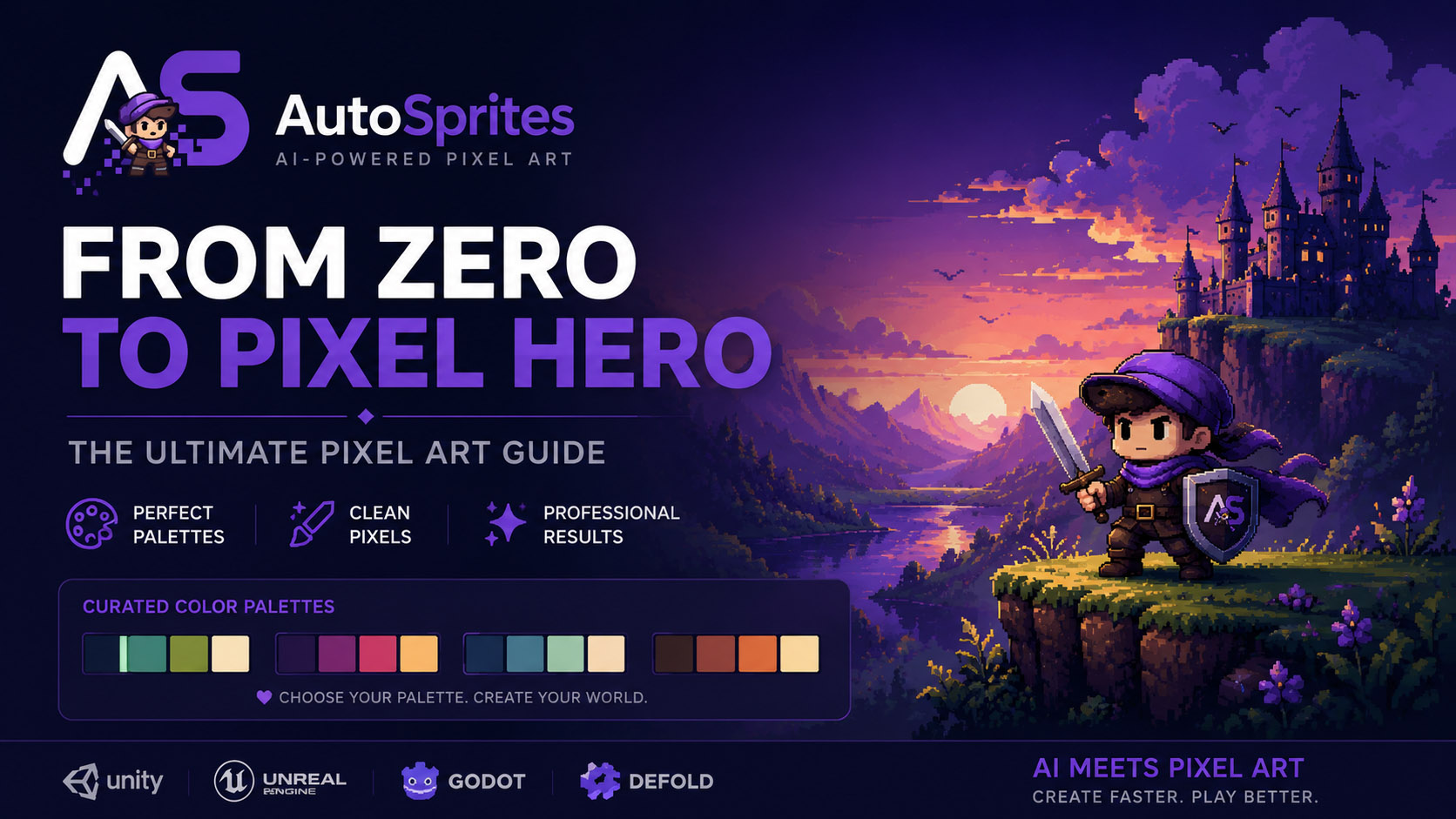
AutoSprites AI sits in that gap. You describe what you want, it generates a batch of 2D sprites, animates them, and hands you back clean frames with transparent backgrounds in a ZIP that drops straight into Unity, Godot, GameMaker, whatever you're using. No format wrangling. No "can you re-export at 64 pixels." No refreshing your DMs waiting on a Saturday delivery.
The cost of trying an idea drops to roughly nothing. Boss enemy doesn't look right? Generate another. Protagonist should be a fox instead of a knight? Swap it at 11 p.m. on Saturday and keep building.
This is also the kind of pipeline shift the marketing crowd over at CreatorFetch keeps flagging when they track which indie tools actually get adoption versus which ones get a launch blog post and die. Tools that collapse a multi-day dependency into a five-minute step tend to stick. The rest don't.
Pushing back on the hype
I'm not going to pretend AI sprite generation replaces a great artist with a clear vision. It doesn't. A skilled pixel artist who understands your game's mood will outperform any generator on the things that actually make a 2D game memorable. Silhouette readability at small sizes. Animation weight. The specific squashy charm of a character that feels alive.
If you're building the game you plan to sell on Steam in two years, hire the artist. Pay them well. Give them room.
But that's not what a jam is. A jam is a sprint to prove an idea works. The cost-benefit on a paid artist for a 48-hour build, or a one-week build, or a studio greenlight prototype, almost never pencils out. That's the bracket where generation makes sense, and honestly, it's a wider bracket than most devs want to admit.
A jam workflow that actually works
Friday night, you generate your protagonist and a few enemy candidates while you're still wireframing the level. Saturday morning, you've got animated sprites in engine before you've finished your coffee. You spend Saturday on the thing that actually wins jams, which is feel. Game feel. Hit pause, screen shake, the little flourishes judges remember.
Sunday is for polish and bugs.
If you're running a classroom or teaching a game dev course, the equation is the same. Students with no art background spend the semester avoiding the visual side of their projects. Hand them a generation tool and the conversation shifts to design, mechanics, and iteration, which was the point of the class in the first place.
Try it on your next jam and see what Sunday night looks like at autosprites.com. Worst case, you're back to placeholder squares.
Written by the CreatorFetch.com editorial team.